

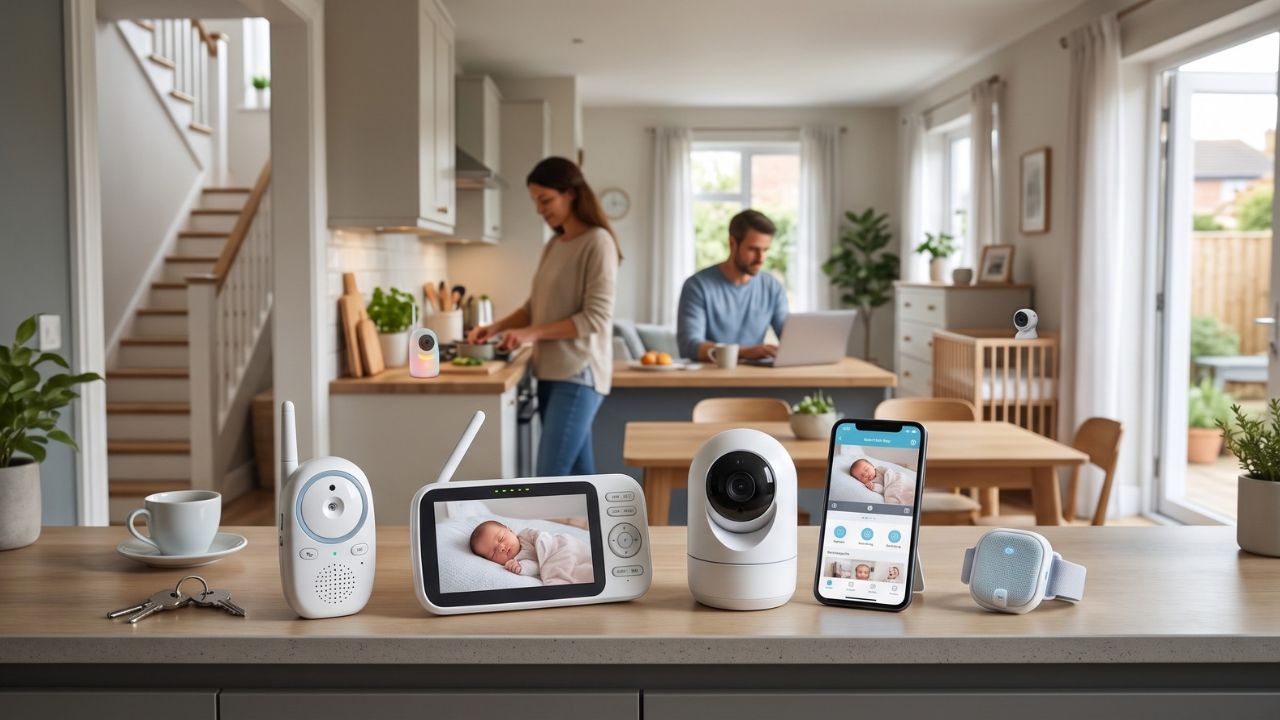
The best baby monitor is the one that reliably helps you hear or see your baby from the rooms where you need it. Start by choosing between audio, a dedicated video screen and a Wi-Fi camera. Then compare the actual connection, setup and ongoing costs.
This guide compares manufacturer-described features and practical buying considerations; it is not a hands-on test ranking. None of these monitors replaces direct care, a safe sleep setup or medical advice.
*This article contains affiliate links. Purchases through marked links may earn me a commission at no extra cost to you.
Three baby monitors for different needs
VTech VM819 for a straightforward video option
The VTech VM819 is an option for parents who want video on a separate parent unit. It is worth comparing when a dedicated screen suits the household better than viewing through a phone. Check the exact package contents and instructions before ordering.
Test the picture, sound and connection in your own rooms, including with doors closed. An advertised maximum range is not a promise of indoor performance. If hearing the baby is all you need, an audio-only monitor may be enough; there is no need to buy video for its own sake. VTech VM819 video baby monitor on Amazon*
Infant Optics DXR-8 PRO for video on a dedicated unit
The Infant Optics DXR-8 PRO uses a dedicated parent screen and does not require Wi-Fi or an app for its normal monitoring function. The manufacturer lists a 5-inch display, camera pan and tilt, and active noise reduction. It is an option for parents who want a picture without depending on a phone.
Choose the full camera-and-parent-unit kit, not an add-on camera by mistake. The original DXR-8 and DXR-8 PRO are different systems, so check accessory compatibility. A local connection reduces reliance on internet service, but you still need to test signal, power and battery performance at home. Infant Optics DXR-8 PRO on Amazon*
Nanit Pro for parents who want app access
The Nanit Pro is worth comparing if viewing through a phone and managing caregiver access matter to you. Choose the exact mount or stand bundle for your setup, and check its installation instructions before buying. A wall-mount package and a travel stand package are not the same purchase.
Read the current Nanit membership details carefully. Live viewing and advanced history or analysis features do not have identical plan requirements, and included trials may renew. Work out what you would use after the trial ends, rather than comparing the camera price alone. Also decide what you will do if your phone, internet connection or app is unavailable. Nanit Pro with wall mount on Amazon*
Choose the simplest system that solves your problem
If you are usually nearby and only need to hear a cry, start with audio. If a quick visual check is useful but remote access is not, a local video monitor may be enough. If access through a phone is a priority, compare Wi-Fi models alongside their account settings and subscription terms.
A monitor may be optional in a small home where you can hear the baby clearly. Put it in context with the newborn must-haves checklist before treating it as an automatic purchase.
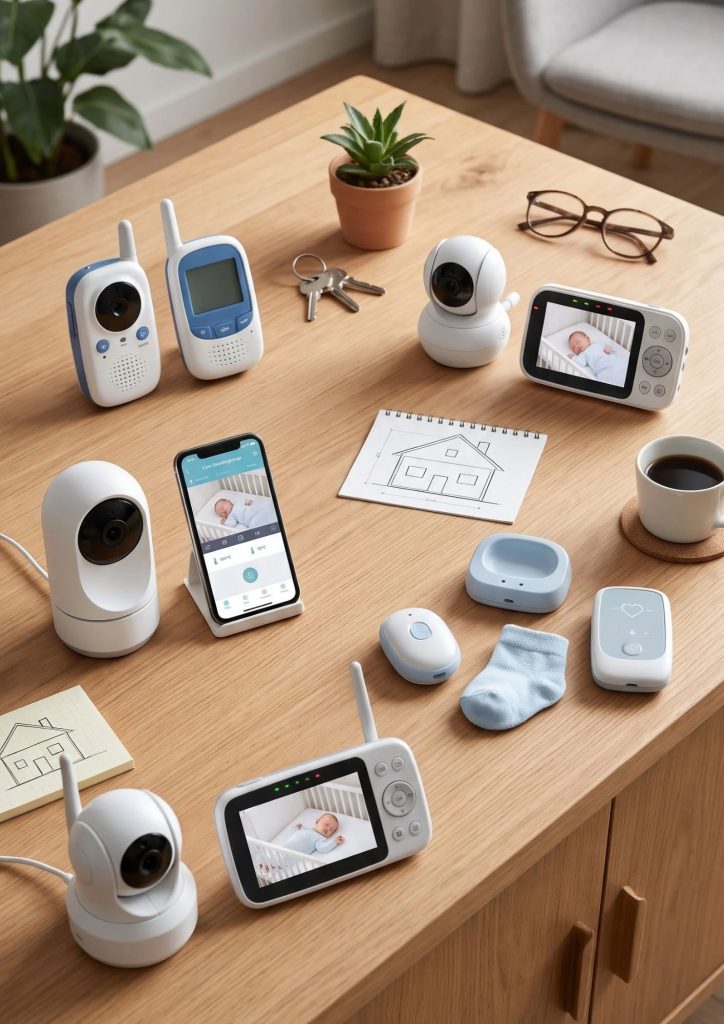
Check these details before keeping it
- Test the signal from the actual nursery to the kitchen, bedroom and other rooms where you will use it.
- Check low-battery and lost-connection alerts, not just the picture.
- Try nighttime viewing and sound levels while another adult is with the baby.
- Confirm which parts require wall power and how the parent unit or phone is charged.
- Check the return window before installing permanent hardware.
For shared equipment purchases, add the exact model and bundle to a list. Our baby registry must-haves guide can help avoid receiving an incompatible accessory instead of the system you want.
Placement and privacy matter
Keep the monitor and every cord at least 3 feet from the crib and outside the child’s reach. Never attach cords where they can be pulled into the sleep space. Follow the device’s mounting directions and reassess placement as the baby grows.
For a connected monitor, use a unique password, enable available multifactor authentication, install updates and review who can view the feed. Remove caregiver access when it is no longer needed. A monitor without Wi-Fi also needs secure physical placement and sensible handling.
Read the Infant Optics product information and Nanit membership details for the exact system you are considering.
A monitor does not make an unsafe sleep setup safe
A consumer monitor does not prevent SIDS. Keep the baby’s sleep space appropriate regardless of the device or its alerts. The AAP safe-sleep guidance explains the limits of home monitoring.
If you are feeling pressure to buy every reassuring gadget, the first-time mom essentials guide can help you focus on everyday support and the items you actually need.
Frequently asked questions
Is a Wi-Fi baby monitor better than a local monitor
It offers different conveniences, including app access. A local monitor may be a better fit if you prefer a dedicated unit. Neither choice removes the need to check performance and placement.
Do all baby monitors have a subscription
No. Check the exact model and distinguish its basic functions from optional paid features. Include renewals in your cost comparison.
Should I choose a monitor for breathing alerts
Do not buy a consumer monitor as a way to prevent SIDS or diagnose a problem. If your baby needs medical monitoring, discuss appropriate equipment with the clinician responsible for their care.
*This article contains affiliate links. As an Amazon Associate I earn from qualifying purchases. If you buy through a marked link, I may receive a commission at no extra cost to you. Your purchase helps support BabyStuff Blog. Thank you!